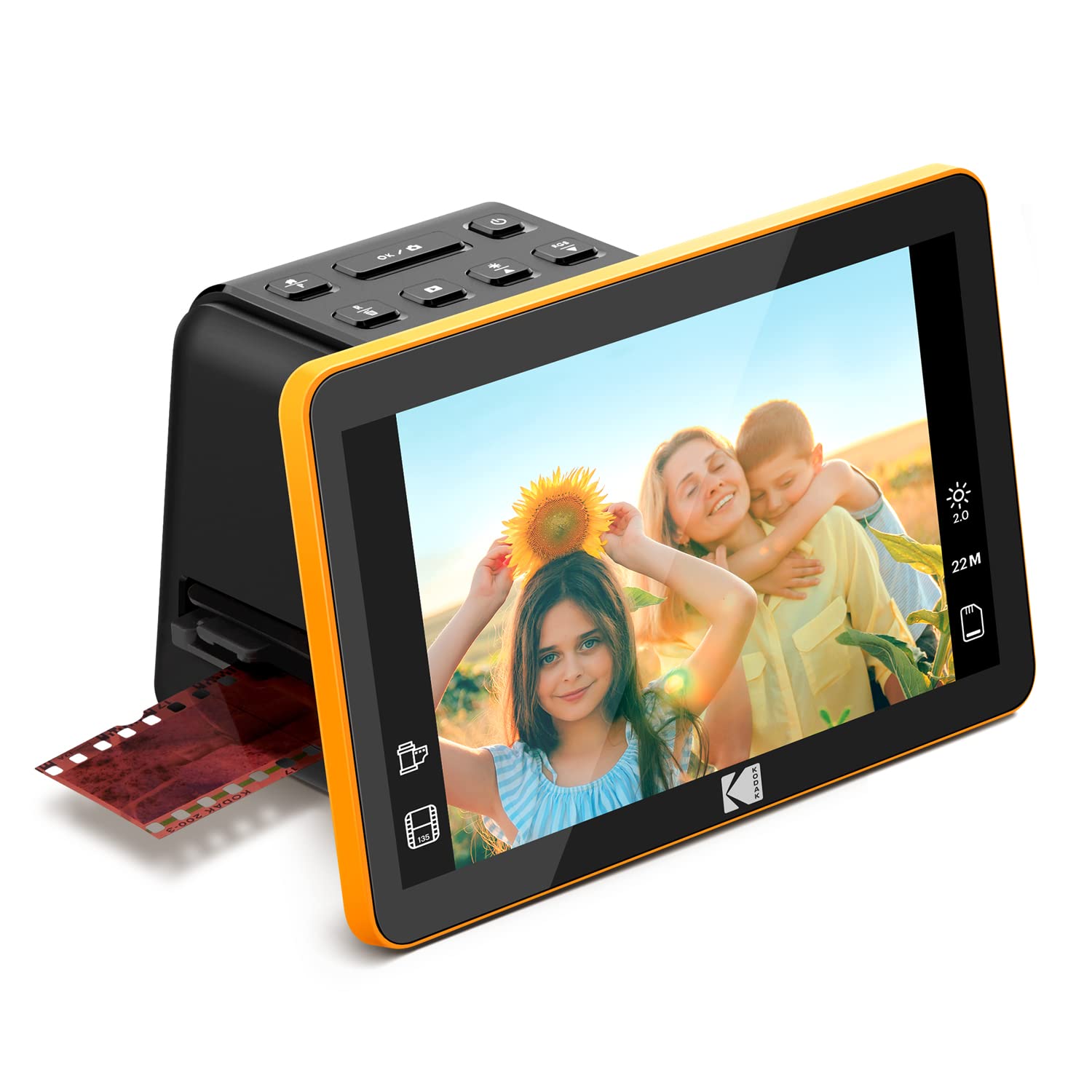
The KODAK Slide N Scan Max is designed to make digitizing old slides and negatives a straightforward home project, with a moving film tray and direct SD card saving.
This kodak slide n scan max review looks at its format support, editing approach, and resolution claims to help you decide whether its streamlined workflow fits your archive.
Slide N Scan Max Review Summary
The quick verdict
1,000+ ratings
Read Amazon ReviewsKODAK Slide N Scan Max
A practical fit for home archivists who want to scan several common film formats and save files directly to an SD card.
- Accepts 135, 110, and 126 film formats, including slides and color or black-and-white negatives.
- A smooth-moving tray is designed to feed film without constant repositioning.
- Saves directly to SD or SDHC cards up to 32GB, allowing a scanning workflow without a computer.
- One-touch capture software offers image resizing, conversion, and adjustment.

Pros
- Covers three common film formats and both slides and negatives.
- Direct card saving supports a simple standalone workflow.
Consider before buying
- SD and SDHC saving is limited to cards up to 32GB, so larger archives may require more than one card or another file-transfer step.
- The described resolution combines a 13MP sensor with interpolation; buyers seeking a particular level of archival detail should assess sample output against that need.
Read the full review summary
The Slide N Scan Max combines support for 135, 110, and 126 film with an onboard workflow that saves to SD or SDHC cards up to 32GB.
Its moving tray is intended to reduce repeated repositioning, while one-touch editing offers a simple way to resize, convert, and adjust images without working through complex menus.
It is best suited to someone who wants a compact, computer-free scanning routine for a mixed collection of slides and color or black-and-white negatives.
The stated Windows minimum is Windows 7, and the scanner uses USB; buyers should confirm their own setup and card needs before starting a large batch.
The buying factors
Slide N Scan Max Scorecard
Editorial scores reflect listed features and buyer fit; they are not laboratory measurements or customer ratings.
Film format coverage
Supports 135, 110, and 126 formats, plus slides and color or black-and-white negatives.
Standalone workflow
Direct saving to SD or SDHC cards up to 32GB can keep the scanning routine independent of a computer.
Batch handling
The smooth-moving tray is designed to feed film with less frequent repositioning.
Editing simplicity
One-touch resizing, conversion, and image adjustment keep common edits accessible.
Output detail potential
The product specifies a 13MP CMOS sensor and output up to 4208 × 3120 with interpolation; results should be judged against the needs of the intended archive.
Setup flexibility
USB connectivity and a Windows 7 minimum are specified, so buyers should check compatibility with their computer and workflow.
Key Features and Specifications of Slide N Scan Max
- Accepts 135, 110, and 126 film formats, including slides and color or black-and-white negatives.
- A smooth-moving tray is designed to feed film without constant repositioning.
- Saves directly to SD or SDHC cards up to 32GB, allowing a scanning workflow without a computer.
- One-touch capture software offers image resizing, conversion, and adjustment.
- Uses a 13MP CMOS sensor, with output up to 4208 × 3120 through 22MP interpolation.
- Compact body measures 6.69 × 5.35 × 4.45 inches and weighs 16 ounces.
- USB connection; the listed minimum system requirement is Windows 7.
Pros and Cons of Slide N Scan Max
Pros
- Covers three common film formats and both slides and negatives.
- Direct card saving supports a simple standalone workflow.
- The moving tray is intended to make repeated scanning less fiddly.
- One-touch editing keeps basic adjustments accessible.
Consider before buying
- SD and SDHC saving is limited to cards up to 32GB, so larger archives may require more than one card or another file-transfer step.
- The described resolution combines a 13MP sensor with interpolation; buyers seeking a particular level of archival detail should assess sample output against that need.
- The listed computer requirement is Windows 7; confirm that the connection and software approach suit your current setup.
Who Should Buy Slide N Scan Max?
Good fit
Consider the Slide N Scan Max if your collection includes 135, 110, or 126 slides and negatives and you want a relatively direct route from film to digital files.
Its card-based saving and compact footprint suit a home workstation where avoiding a computer during capture is useful.
The tray and one-touch editing features are especially relevant if you expect to process many frames and value a simple rhythm: feed, capture, make basic adjustments, and save.
Before buying, check that your film formats match the supported set, that you have a compatible SD or SDHC card within the 32GB limit, and that the listed Windows requirement fits your setup.
Who should skip it
Look elsewhere if your archive depends on film formats outside 135, 110, and 126, or if a required workflow depends on a larger card than the stated 32GB maximum.
Also compare output carefully if you need a specific archival resolution or editing process beyond the described one-touch controls.
KODAK Slide N Scan Max Review: How Its Workflow Fits Home Archiving
A practical mix of formats
Support for 135, 110, and 126 film gives the scanner useful reach across a varied household collection.
It handles slides as well as color and black-and-white negatives, so one device can serve several common types of older material; sorting the collection by format before a long session can make setup more predictable.
Direct saving and computer use
Saving directly to SD or SDHC cards up to 32GB is the clearest workflow advantage for buyers who prefer to capture images without a computer beside the scanner.
The USB connection and Windows 7 minimum requirement matter if computer-based transfer or setup is part of your routine, so check the intended path from card to backup before digitizing a large collection.
What the resolution figures mean for a buyer
The product pairs a 13MP CMOS sensor with output up to 4208 × 3120 using 22MP interpolation.
That gives a useful specification to compare with your intended display, sharing, or storage needs, but the figures alone do not establish how every frame will look; if fine detail is central, consider whether sample scans meet your expectations before committing to a large project.
A simpler scanning rhythm
A smooth-moving tray is designed to reduce constant repositioning, while one-touch controls cover resizing, conversion, and adjustments. These choices favor accessible handling over a menu-heavy process.
The body is about 6.7 inches deep and weighs one pound, making it easier to place on a home desk or put away between sessions.
Alternatives to Slide N Scan Max
Slide & Negative Scanners alternative
12,000+ ratings
Read Amazon ReviewsKODAK Slide N Scan Film & Slide Scanner
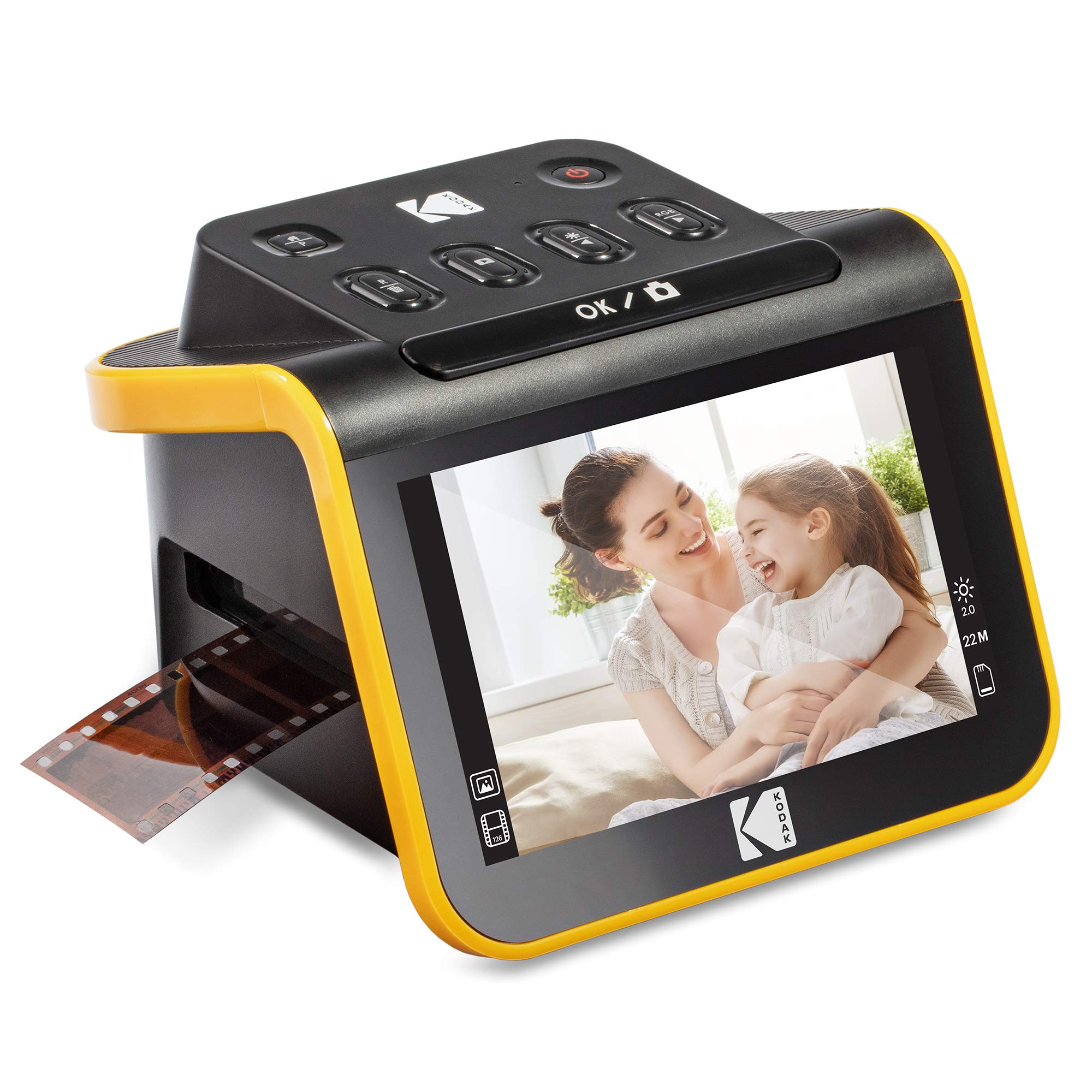
Choose the Max if its compact, card-focused scanning flow is the priority. Consider this Slide N Scan model if an onboard 5-inch screen and gallery preview are more useful for reviewing images during a session.
- This model supports 135, 110, and 126 film and slides, has a 5-inch LCD for previewing and editing, and includes a gallery mode.
- It saves to SD or SDHC cards up to 32GB and includes film inserts, a cleaning brush, USB cable, and HDMI cable.
- The Slide N Scan Max supports 135, 110, and 126 formats, saves directly to cards up to 32GB, and is described with a moving tray and one-touch editing.
Slide & Negative Scanners alternative
11,000+ ratings
Read Amazon ReviewsKODAK SCANZA Digital Film & Slide Scanner
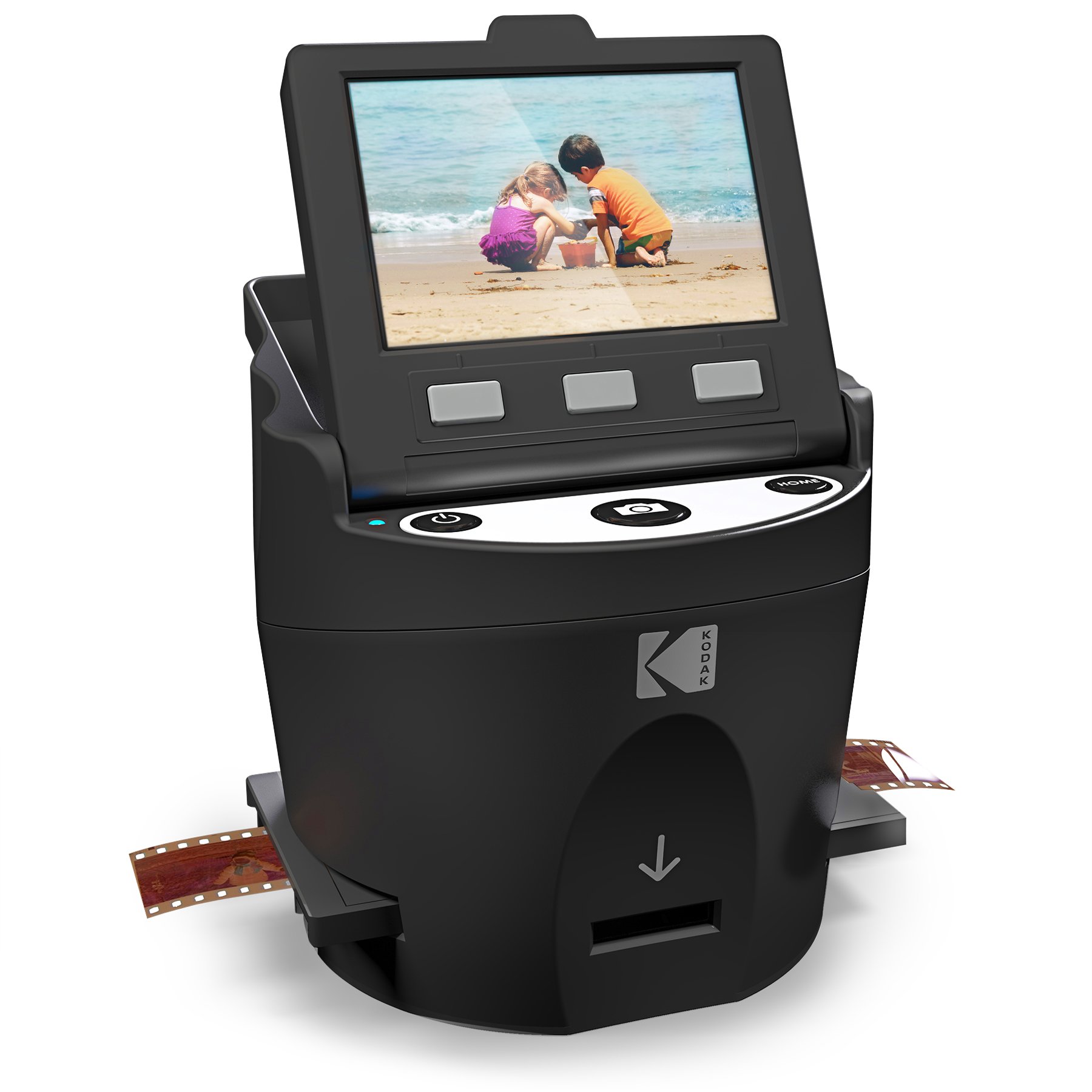
The SCANZA is the more relevant option if your collection includes Super 8 or 8mm, or if its larger stated card capacity fits your archiving plan.
The Max is a simpler match for collections centered on its three supported formats and a card limit of up to 32GB.
- The SCANZA supports 35mm, 126, 110, Super 8, and 8mm film, with a 3.5-inch adjustable-brightness LCD.
- It includes multiple inserts and adapters, saves to SD cards up to 128GB, and comes with USB, HDMI, AC, and video cables plus a cleaning brush.
- The Slide N Scan Max covers 135, 110, and 126 film and is described with direct saving to cards up to 32GB.
Is Slide N Scan Max Worth It?
The KODAK Slide N Scan Max is worth considering for home archivists who want to digitize 135, 110, and 126 slides or negatives with a moving tray, simple edits, and direct card saving.
Its format coverage and compact design make the workflow approachable for a personal collection.
Check the 32GB card limit, listed Windows requirement, and interpolated output resolution against your needs before choosing it for a large or detail-critical archive.
If those tradeoffs fit, it offers a focused, straightforward way to bring common film formats into a digital filing routine.
Your review at a glance
1,000+ ratings
Read Amazon ReviewsKODAK Slide N Scan Max
A practical fit for home archivists who want to scan several common film formats and save files directly to an SD card.
- Accepts 135, 110, and 126 film formats, including slides and color or black-and-white negatives.
- A smooth-moving tray is designed to feed film without constant repositioning.
- Saves directly to SD or SDHC cards up to 32GB, allowing a scanning workflow without a computer.
- One-touch capture software offers image resizing, conversion, and adjustment.